
Karelia Exhibitor Desk: exhibitor applications and booth allocation for Wix Events
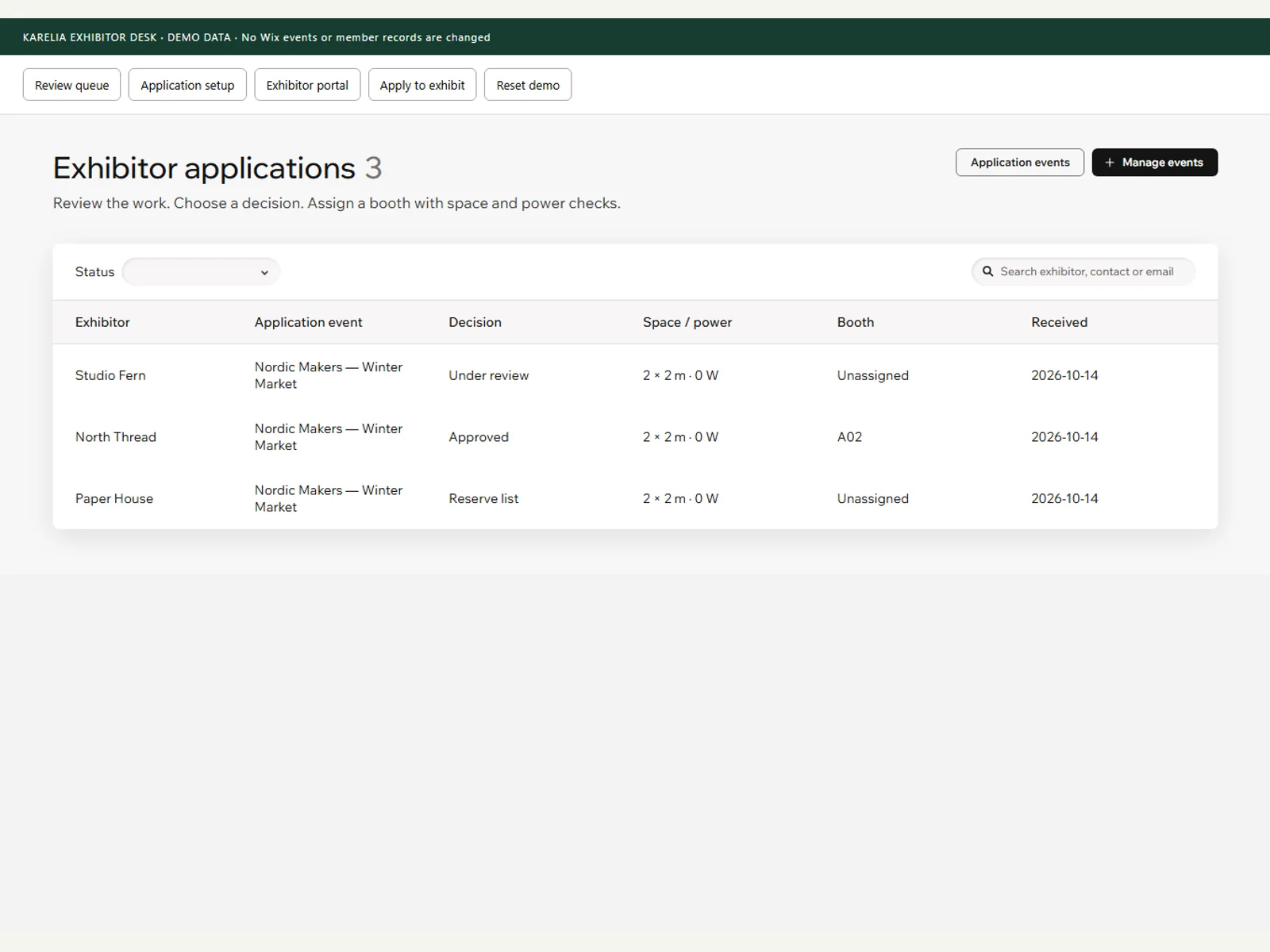
Markets, fairs and conferences get vendor applications by email and spreadsheets. Exhibitor Desk keeps them next to the Wix event: one queue to review, one place to assign booths, and a private page where each exhibitor sees the decision.
- Requires
- Wix Events & Tickets and Members Area
- Price
- Free
What Karelia Exhibitor Desk does
Applications per event
Collect exhibitor applications for a linked event, with a deadline and your own jury question.
Review queue
Search and filter, decide approved, reserve or rejected, and keep private jury notes.
Booth allocation
Assign booths with dimension and power checks, and no booth assigned twice.
Exhibitor portal
A private page where each exhibitor sees the decision, their booth and arrival instructions.
Good to know
- Payments and automatic emails are not included.
Guides
FAQ
Does it take payments for booths?
No. Exhibitor Desk handles applications, decisions and booths. Payments and automatic emails are not included.
Related tools
SheetTable
Publish Excel, CSV and public Google Sheets as searchable, sortable tables on Wix: price lists, catalogs and directories that work on phones.
Karelia Class Guard
Set a minimum enrollment and a decision deadline per class in Wix Bookings, and see which classes are underfilled in time. Free on the Wix App Market.
Karelia PDF: Reader & Flipbook
Embed PDF menus, brochures and catalogs on a Wix site as a clean reader or a page-turn flipbook. Free plan on the Wix App Market.
Karelia Sample Credit
Sell a sample in Wix Stores and give the buyer a one-use credit toward the matching full-size product. Free on the Wix App Market.
Updated 2026-10-19