
Word & PDF Document Generator: Jira issues to Word and PDF from your own template
Reports, handovers and release notes end up copied from Jira into Word by hand. The generator fills your own Word template from the issue and attaches the result, as Word, PDF or both.
- Product
- Jira Cloud
- Hosting
- Runs on Atlassian (Forge)
- Status
- Atlassian Marketplace listing in review
What Word & PDF Document Generator for Jira does
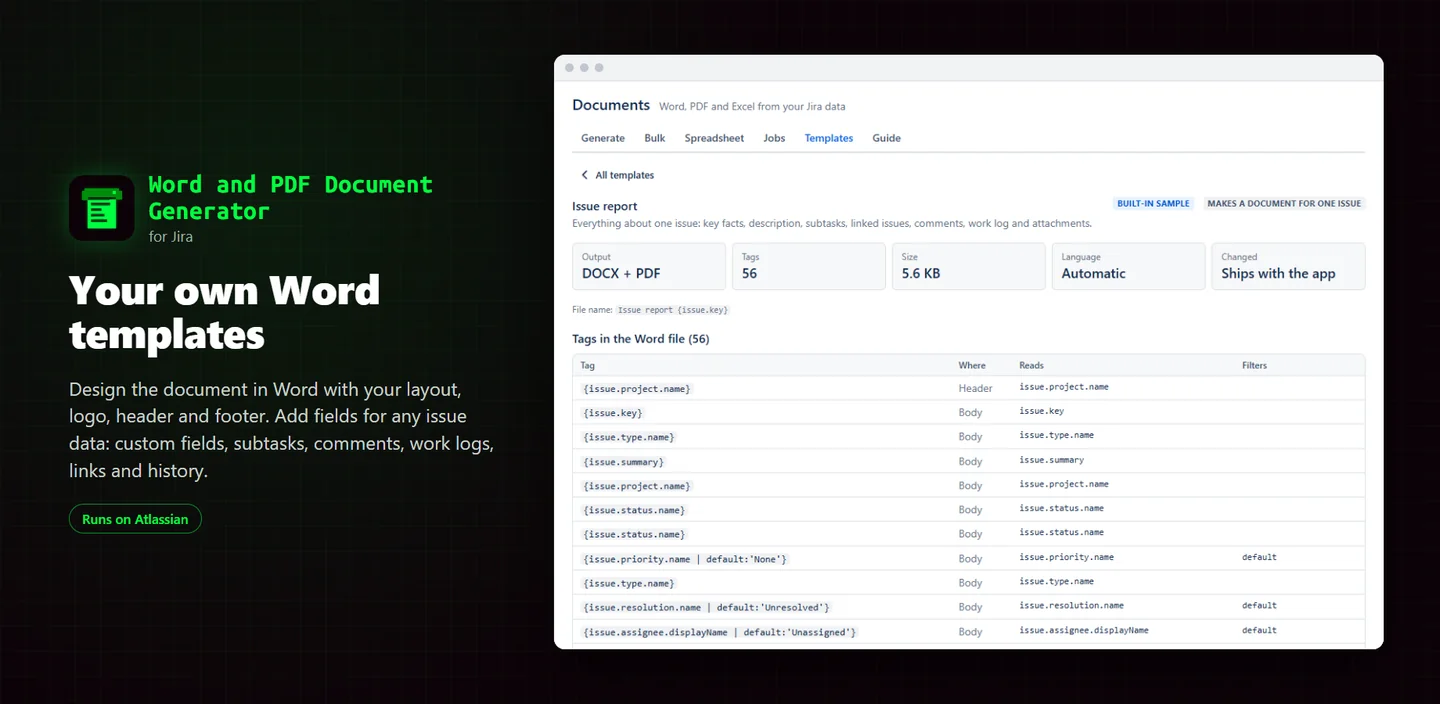
Your own templates
Design the document in Word and add fields for custom fields, subtasks, comments, work logs, links and history.
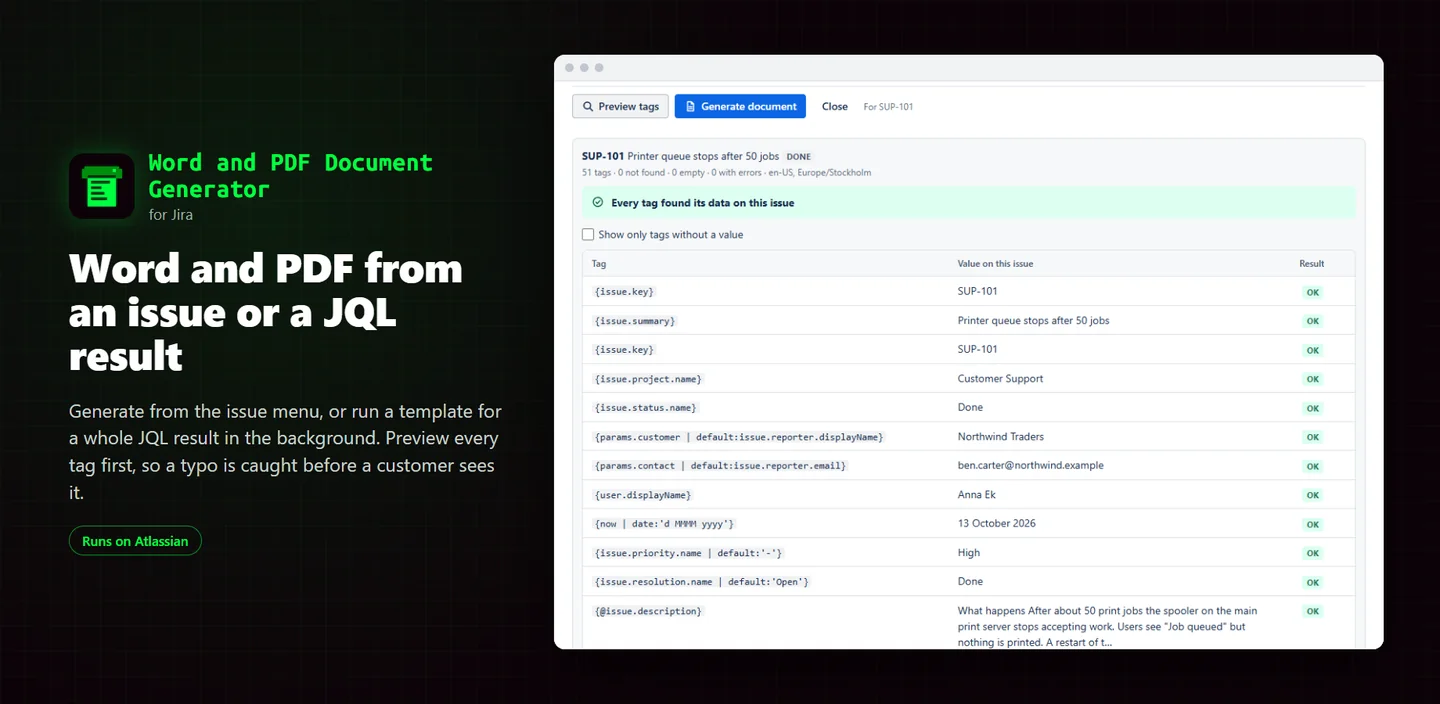
Preview tags
See each tag's value and which tags found nothing, before generating.
From the issue menu
Generate Word and/or PDF and attach it to the issue. The PDF is made inside Atlassian.
Bulk from JQL
One document per issue or one combined, up to 5,000 issues, including release notes.
Pictures from the issue
PNG and JPEG attachments and pasted images in the document.
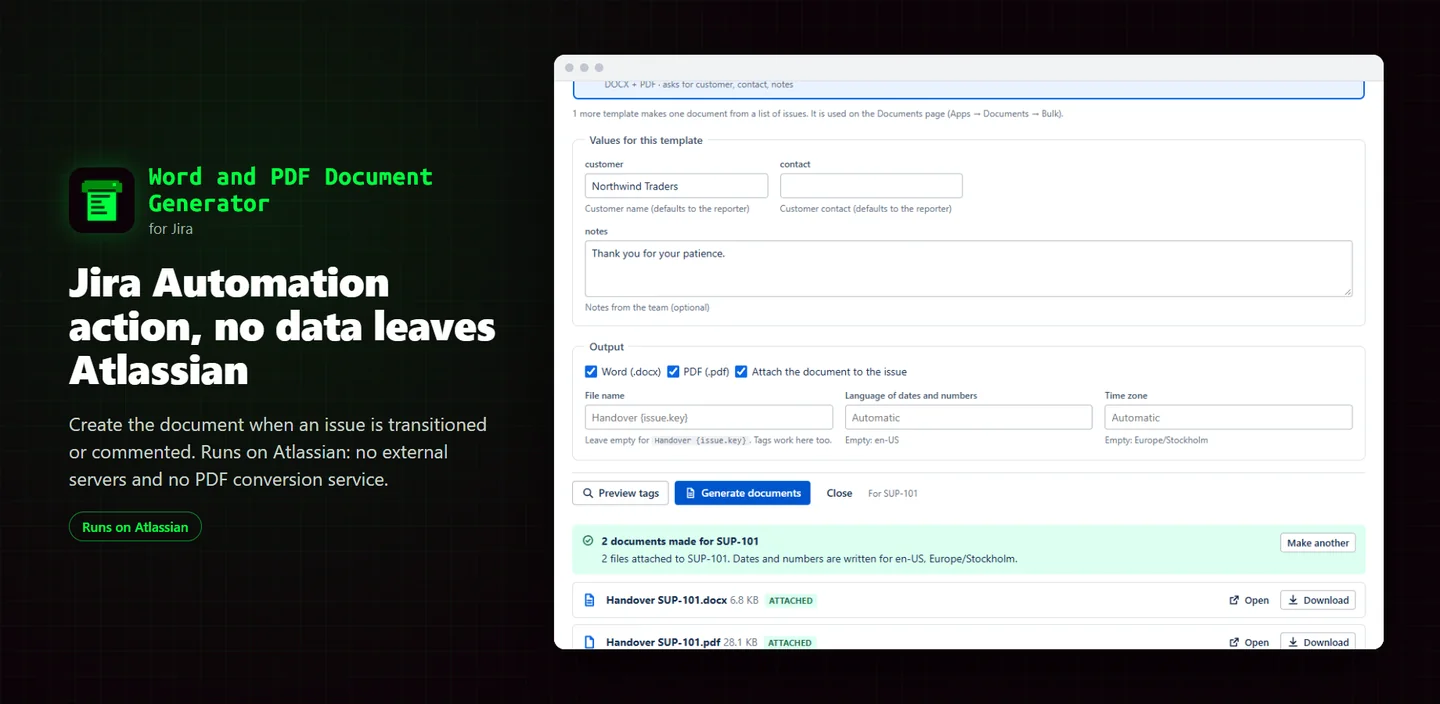
Automation and Excel
A Jira Automation action, Excel export with chosen columns, and ten ready-made templates.
Screenshots
Good to know
- The PDF is not pixel-perfect: text boxes, shapes, footnotes and columns are left out.
- Pictures are PNG and JPEG only, up to 20 per document and 5 MB each. Templates up to 10 MB.
- Jira admins manage the template library; there is no template editor in Jira.
FAQ
How is this different from Jira's own export to Word?
You design the document yourself in Word, with your layout, logo and fields, and generate it for one issue, a JQL result or from Automation.
Is it affiliated with Microsoft?
No. Word and Excel are Microsoft trademarks; the app reads and writes their file formats.
Related tools
Treewright
Copy a Confluence Cloud page tree or a whole space with a preview first, links rewritten to the copies, resumable jobs and templates with variables.
Specfold
Attach an OpenAPI 3.x, Swagger 2.0 or AsyncAPI file to a Confluence page and get searchable API docs with models, examples and cURL commands.
Q&A Knowledge Base
Ask, answer, vote and accept in Confluence Cloud, with roles by group, search that reads every answer, and an FAQ macro of solved questions.
Updated 2026-10-19