
Auto Ports for Pterodactyl 2.0: extra ports for every new server, by rule
Game servers often need more than one port: a query port, an RCON port, a voice or plugin port. Pterodactyl 2.0 lets customers add ports themselves, but a new server only gets the one allocation it was created with.
Available on Gumroad.
- Requires
- Pterodactyl Panel 2.0. Customers adding ports themselves needs the panel's client allocations setting.
- Tested with
- Pterodactyl 2.0.0-beta.2 (PHP 8.4): 135 browser and API checks and 5 unit tests (version 1.0.1)
- Package
- Official extension (.pteroext). No panel file is edited and nothing is installed on your nodes.
- Price
- $7.99, one panel
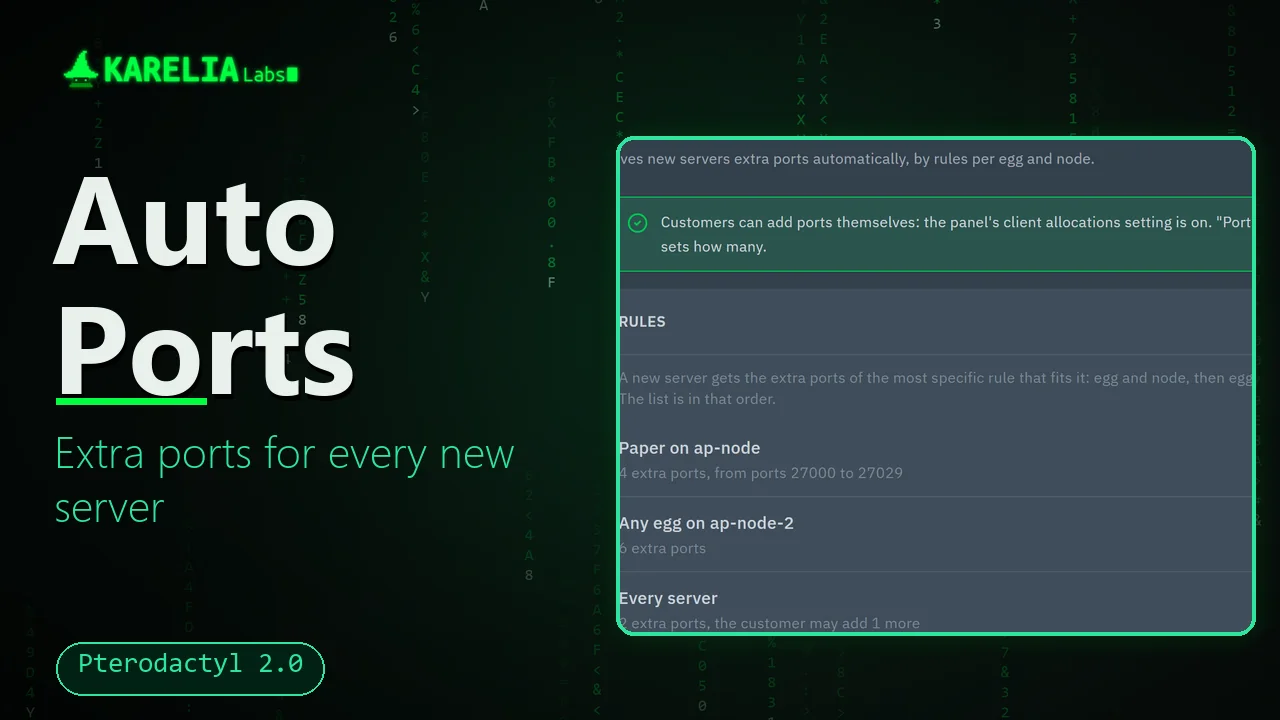
Auto Ports gives every new server its extra ports automatically, following rules you set per egg and node.
What Auto Ports for Pterodactyl 2.0 does
Rules per egg and node
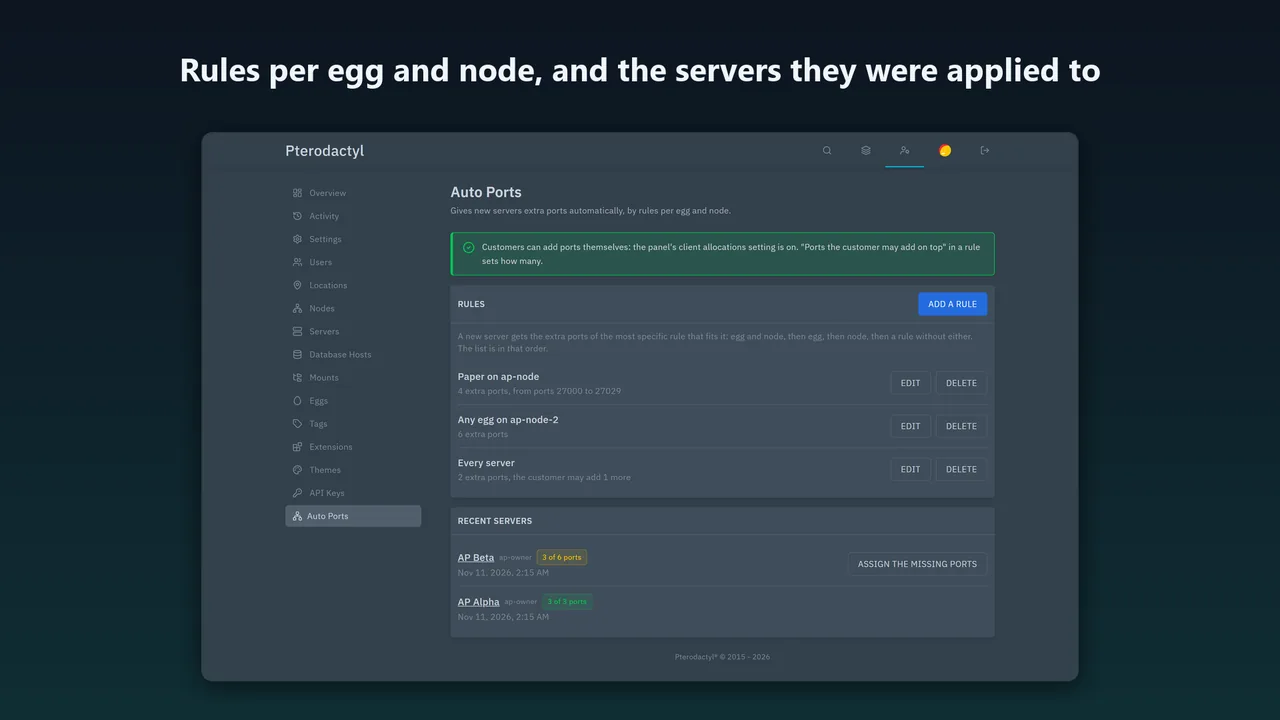
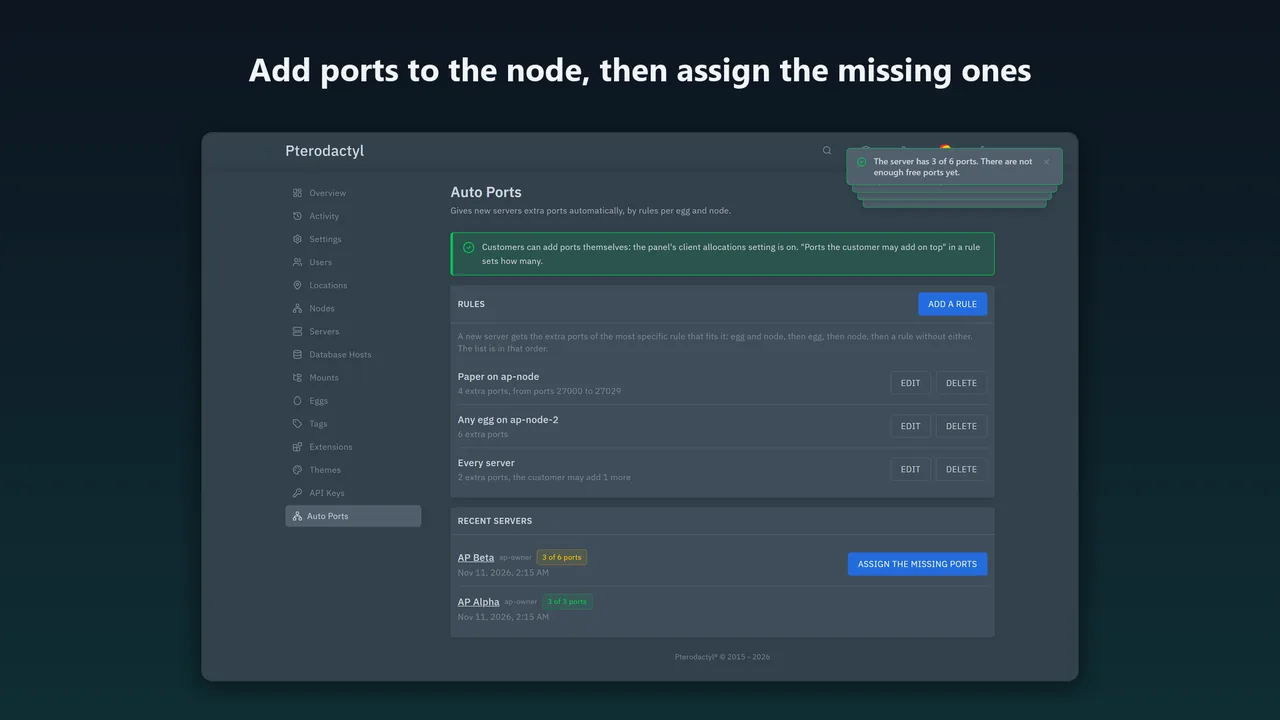
"Every Paper server gets 3 extra ports", "every server on node 2 gets 1", "Paper on node 1 gets 4". The most specific rule that fits a server is used.
Every way a server is created
The admin pages, the admin API, the Application API (so a billing system's servers get their ports too) and deployments.
From the pool you choose
Ports come from the node's free allocations with the same IP address as the server's primary port, lowest first, and optionally only from a port range, so extras never use up the ports you keep for primary allocations.
Never the same port twice
Servers created at the same moment get different ports. Tested with six servers created at once.
Not enough free ports?
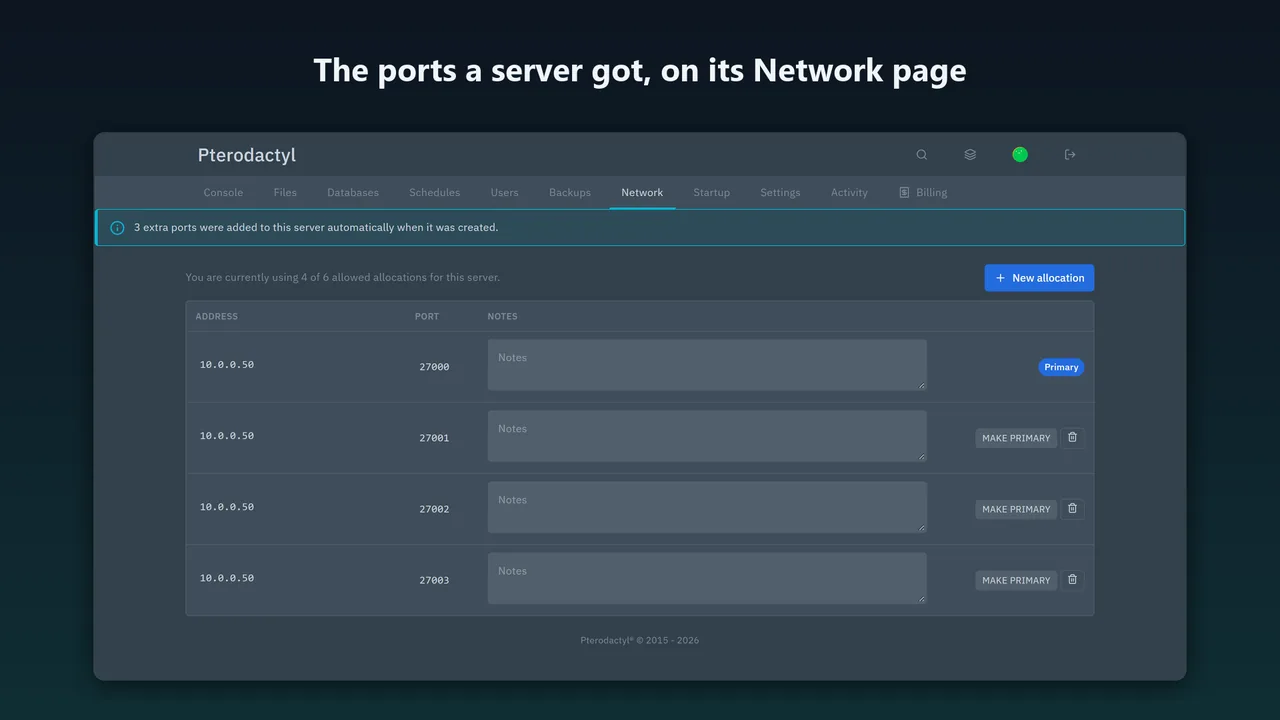
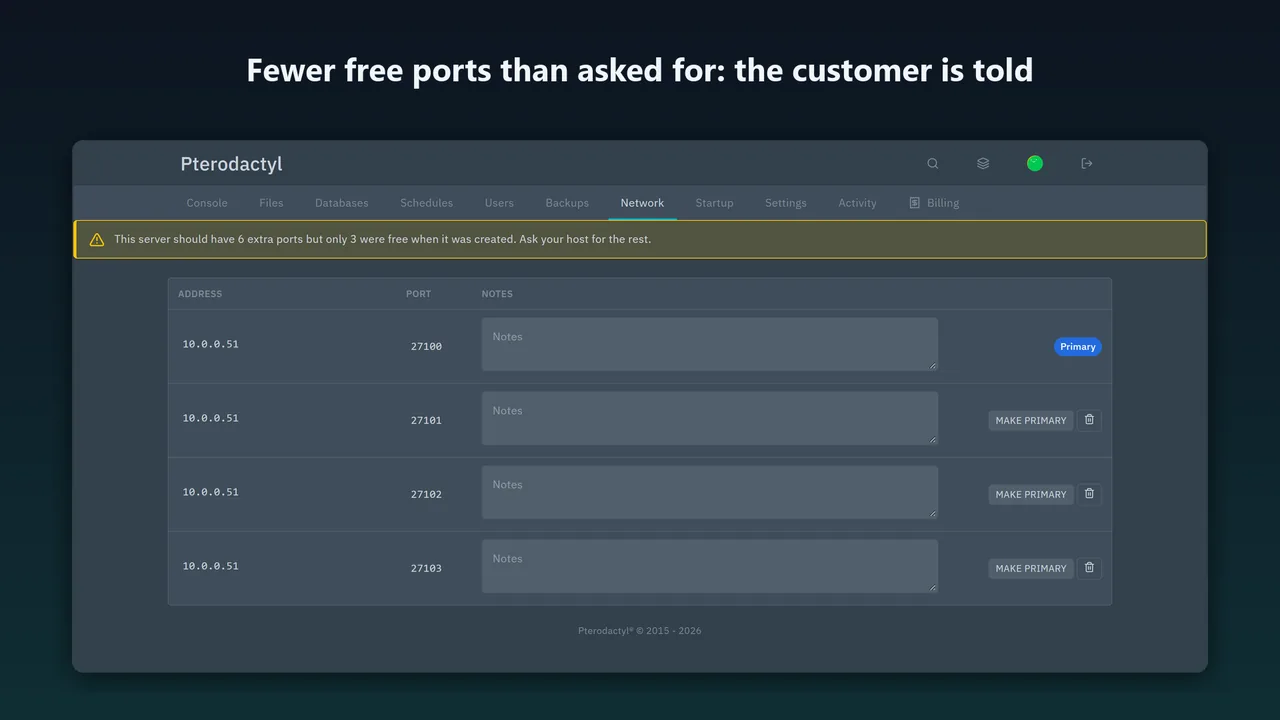
The server still gets what is free, its customer sees a notice on the Network page, and after you add allocations to the node one click assigns the missing ports.
Customers can add their own
A rule can say how many more ports the customer may add on top. Auto Ports sets the server's allocation limit, so the panel's own New allocation button works up to that number, and the ports the customer added keep counting when missing ports are assigned later.
How it works
- Install. Copy
auto-ports.pteroextto the panel server and runphp artisan p:extension:install auto-ports.pteroext --enable, thenchown -R www-data:www-data extensions public/assets/extensions(use your web user). - Open the admin page. Reload the panel. Admin → Auto Ports appears.
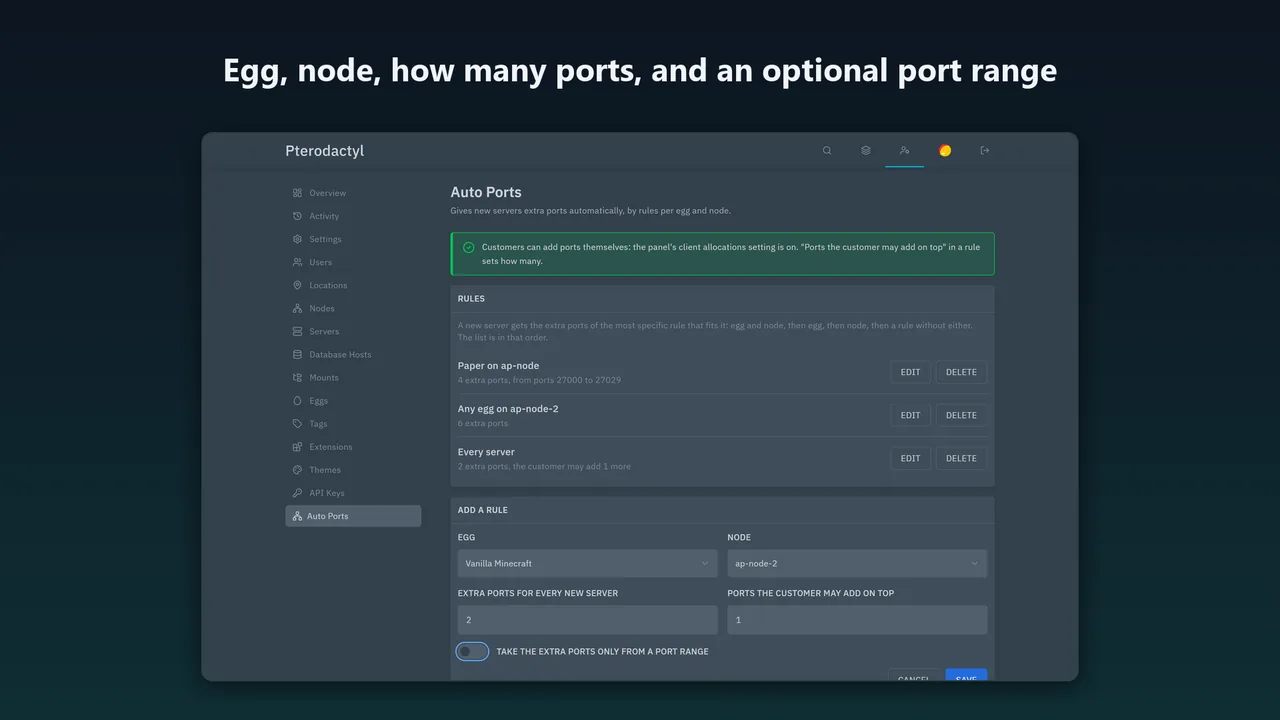
- Add a rule. Choose the egg and node, how many ports and, if you like, a port range.
Screenshots
What the panel already does
Pterodactyl 2.0 already lets a customer add ports to their own server: with the client allocations setting on and a limit per server, the Network page has a New allocation button that gives a random free port, up to the limit. Auto Ports does not replace that, and it does not create allocations.
What the panel does not do is hand out ports when a server is created. A new server gets only its primary allocation. Auto Ports adds the rules for that, and sets the limit so the customer's own button works.
Pricing
One Pterodactyl panel installation; a test or staging copy is included. Updates within version 1.x. The source is readable.
Good to know
- A server gets its ports once, when it is created. Changing a rule later does not change servers that already have theirs.
- Ports are taken lowest first. Without a port range, extra ports can use ports you meant to keep as primary ones. A range avoids that.
- Tested on Pterodactyl 2.0.0-beta.2 with a stand-in Wings. A real Wings binding a new port at the next start, other 2.0 versions, mobile layouts, browsers other than Edge and languages other than English are untested.
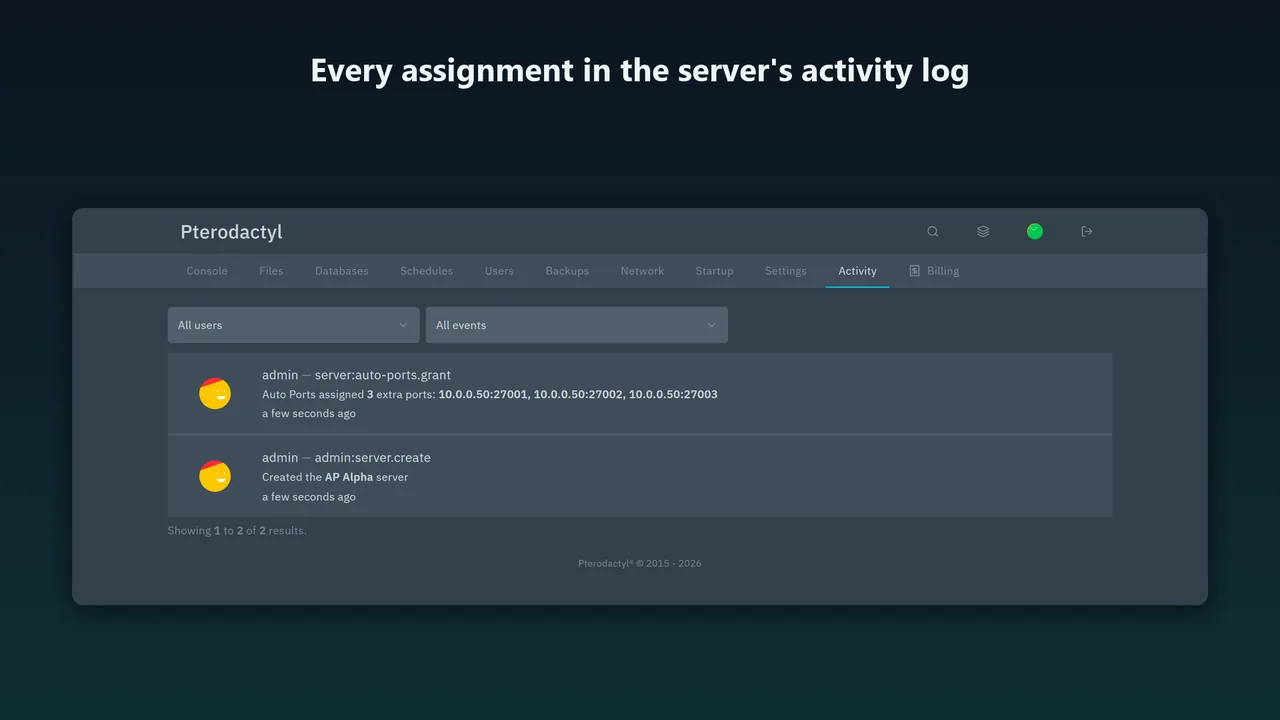
- The two activity sentences are added through Laravel's translation loader. A future panel version could read them differently, and the entries would then show as raw keys.
FAQ
Does it work when servers are created by a billing system?
Yes, through the Application API. The rule is applied once the panel has created the server.
What if two rules fit?
The most specific wins: egg and node, then egg, then node, then the rule for every server.
What happens to the ports if I remove the extension?
They stay with their servers. One command removes the extension's tables.
Related tools
FastDL for Pterodactyl 2.0
FastDL for Pterodactyl 2.0: a switch per server, the exact sv_downloadurl line and a tested nginx configuration for each node that serves only game files.
Auto Stock for Paymenter
Keeps Paymenter product stock equal to the servers that still fit on your Pterodactyl 1.x or 2.0 nodes, so full nodes show as out of stock, not failed deploys.
Karelia Bridge
Customers open Pterodactyl 2.0 from Paymenter already signed in, and see due dates and unpaid invoices in the panel. Official 2.0 extension, no core edits.
More from Karelia Labs
Updated