
Foliowright: open Pages, Numbers and Keynote files on Windows and convert them to Word, Excel, PowerPoint or PDF
Someone sent you a .pages, .numbers or .key file, made in Apple's Pages, Numbers or Keynote, and Windows cannot open it.
For Windows 10 (version 2004 or later) and Windows 11, 64-bit. Works offline, with no account.
- Price
- $6.99 in the Microsoft Store
- Opens
- Pages (.pages), Numbers (.numbers) and Keynote (.key) documents, also zipped or in the older folder style
- Converts to
- Word, Excel, CSV, PowerPoint, PDF and PNG pictures (needs LibreOffice)
- Needs
- For converting: LibreOffice for Windows, free, installed separately (tested with version 26.8). Previews and pictures need no other software.
- Windows
- Windows 10 version 2004 or later, or Windows 11, 64-bit (x64)
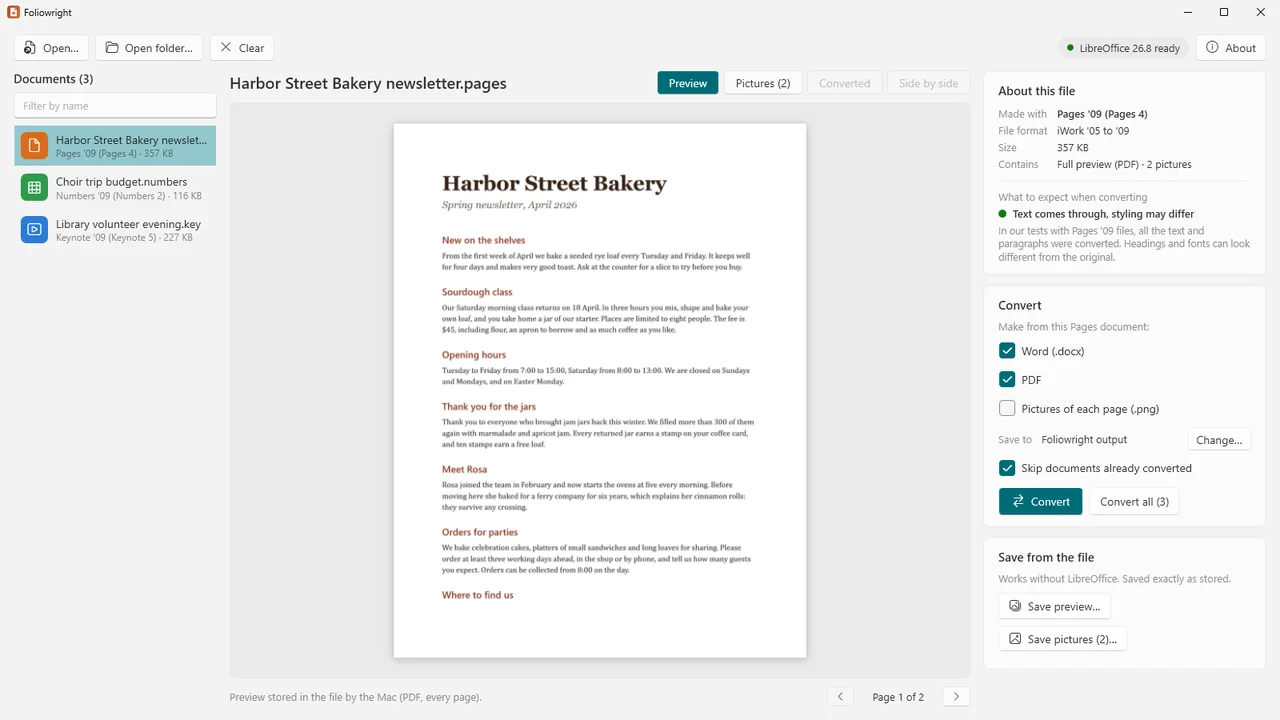
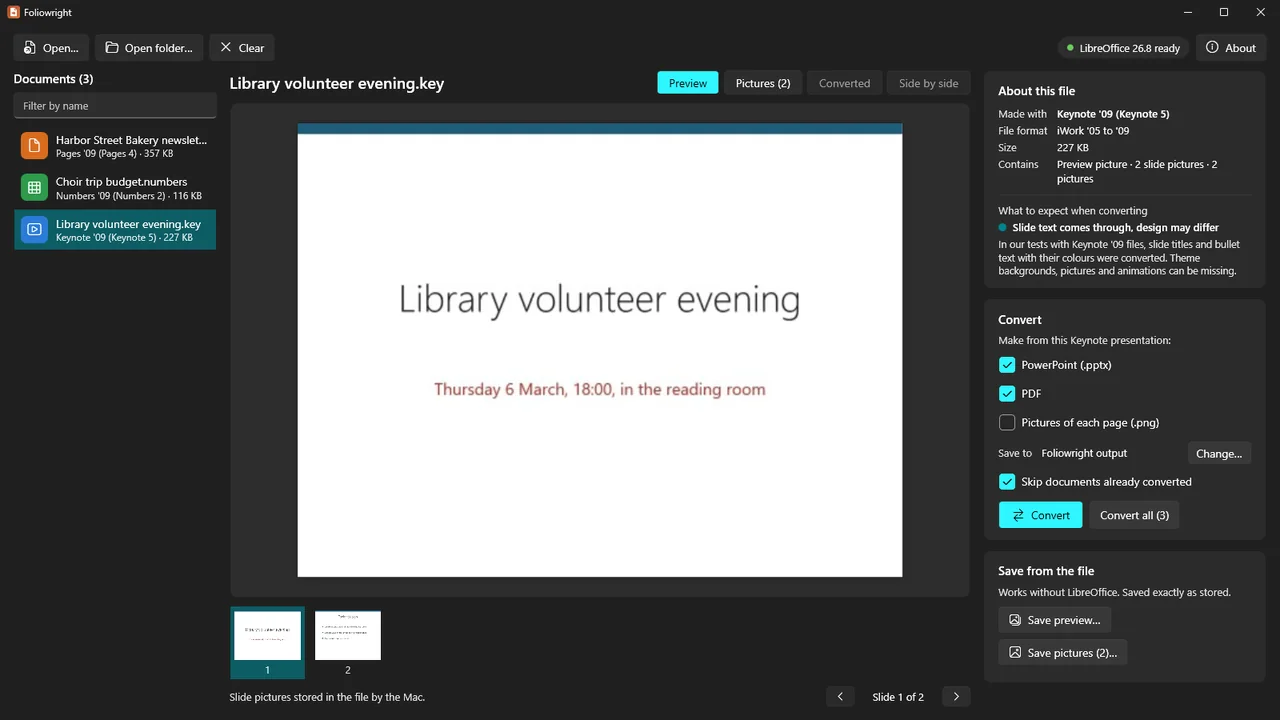
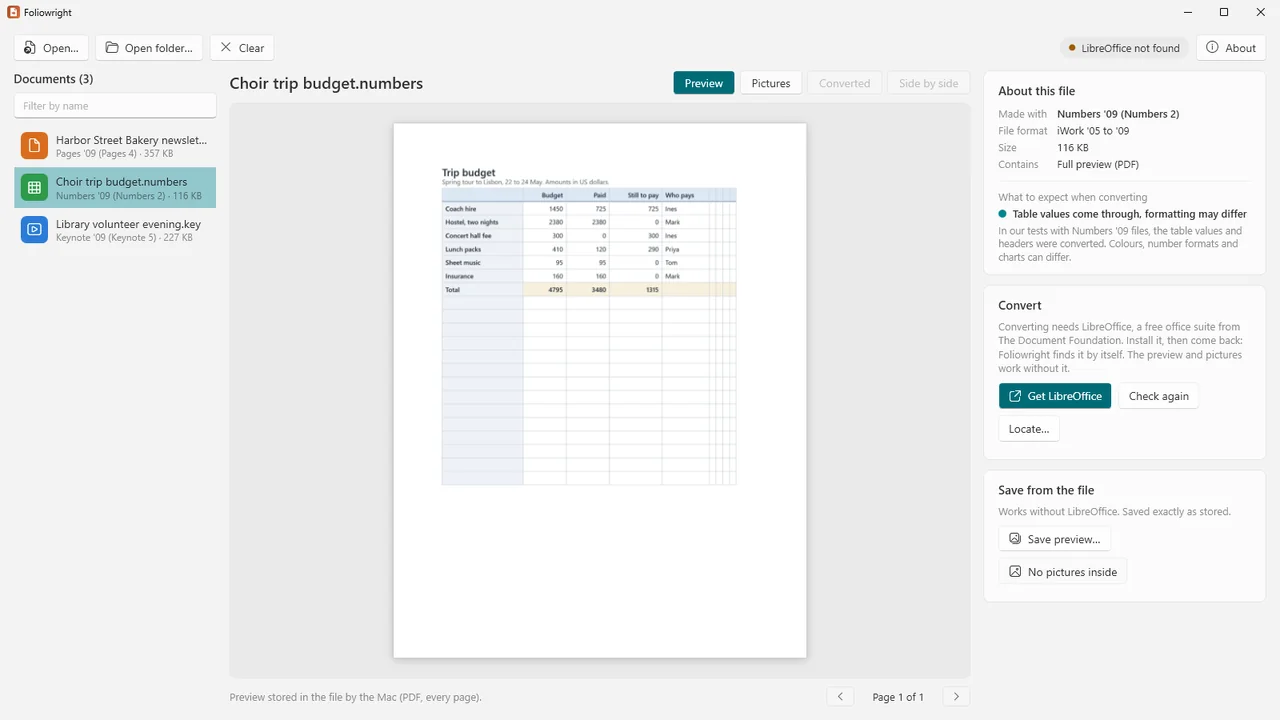
Foliowright shows the preview the Mac stored in the file at once, without other software: a full multi-page preview for many older documents, a picture of the first page or slide for newer ones, and the slide pictures of a presentation. You can save that preview, and every picture, film and sound stored in the document, exactly as it was put in.
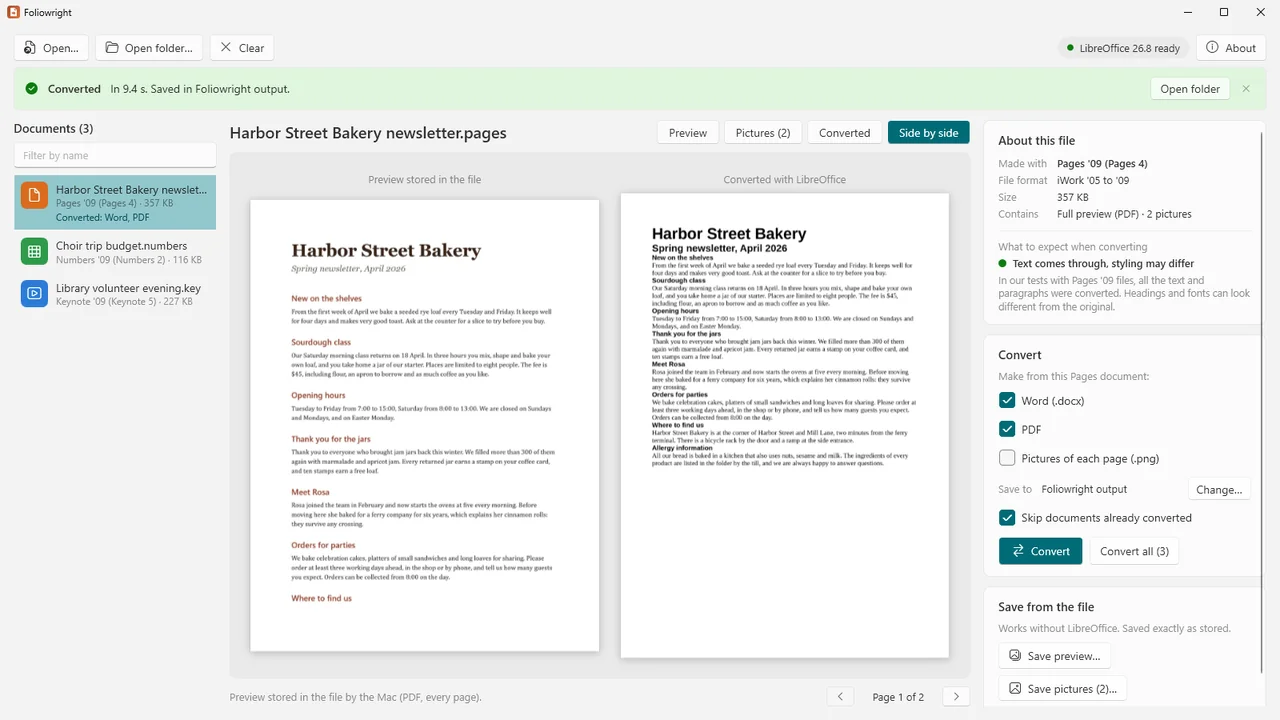
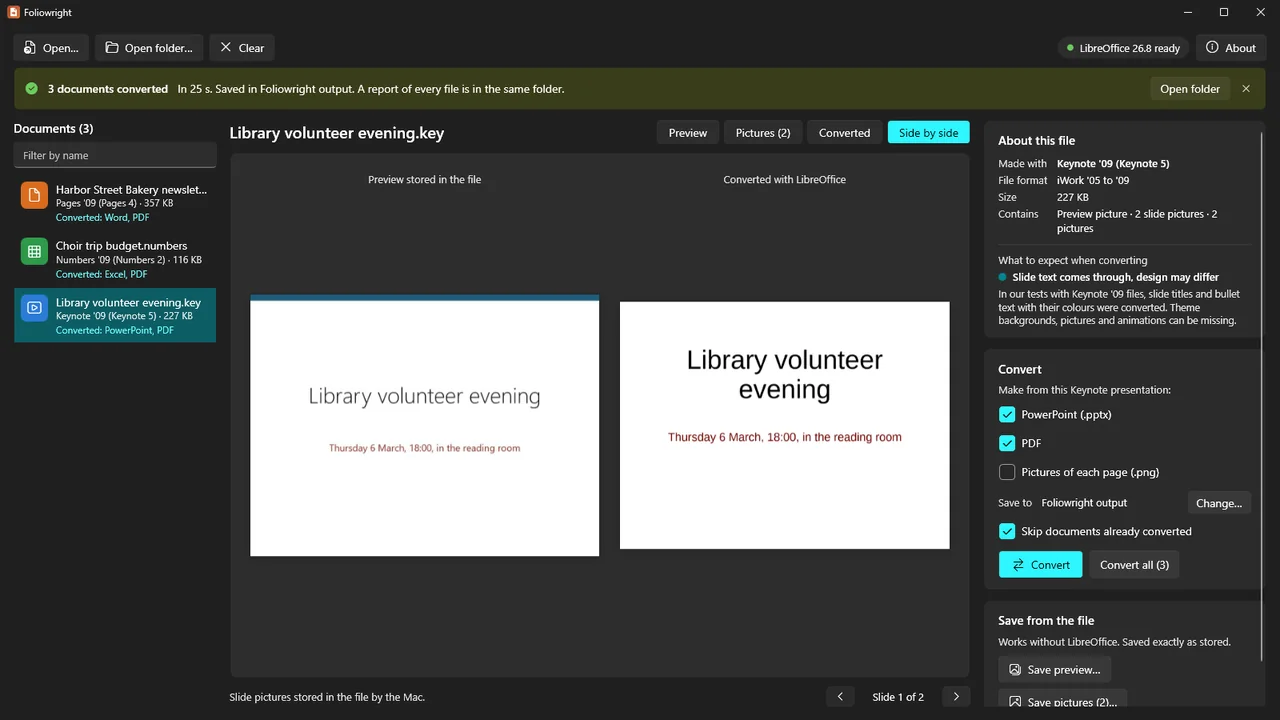
For an editable copy, install the free LibreOffice. Foliowright runs it in the background to convert Pages to Word and PDF, Numbers to Excel, CSV and PDF, and Keynote to PowerPoint and PDF, then shows the stored preview and the result side by side.
What Foliowright does
The stored preview, at once
Most iWork documents carry a preview made when they were saved. Foliowright shows it straight away, page by page, with no other software, and saves it as it is or a page of it as a PNG picture.
Pictures, films and sounds
Save every picture, film and sound stored in a document, exactly as it was put in.
To Word, Excel, PowerPoint and PDF
With LibreOffice installed: Pages to Word (.docx) and PDF, Numbers to Excel (.xlsx), CSV (one file per table) and PDF, Keynote to PowerPoint (.pptx) and PDF, and any of them to a PNG picture of each page or slide.
Side by side
After converting, the stored preview and the converted result are shown next to each other, so you see at once what came through.
What to expect, per document
Foliowright tells you which app version saved the document and what to expect from the conversion.
Whole folders
Open a folder, sub-folders included, and convert everything in one go. The folder structure is kept, documents already converted are skipped, and a CSV report lists every file with its result.
Old and zipped documents
Zipped documents and the older folder-style documents open too, also when Mail zipped them.
Your files and settings untouched
Originals are never changed or moved. LibreOffice runs hidden with its own settings folder, so your own LibreOffice settings are not touched. Damaged, empty, password-protected or misnamed files get a clear message.
How it works
- Open a document. Open a .pages, .numbers or .key file, or drop it on the window. The stored preview appears at once.
- Convert. With LibreOffice installed, choose what to make (Word, Excel, CSV, PowerPoint, PDF or PNG pictures) and press Convert. Without it, one click opens the LibreOffice download page.
- Compare. Look at the stored preview and the result side by side before you rely on the copy.
Screenshots
Pricing
Foliowright for Windows 10 and 11, 64-bit. LibreOffice, for converting, is free.
Good to know
- Tested with LibreOffice 26.8 and real files saved by Pages and Numbers from iWork '09, and by Keynote from version 1, up to version 15.3.1 of all three.
- Pages: text, tables and pictures came through. The layout can change (in one file a table moved above a picture), fonts, spacing and page breaks can differ, and charts can be missing or come out as a black box.
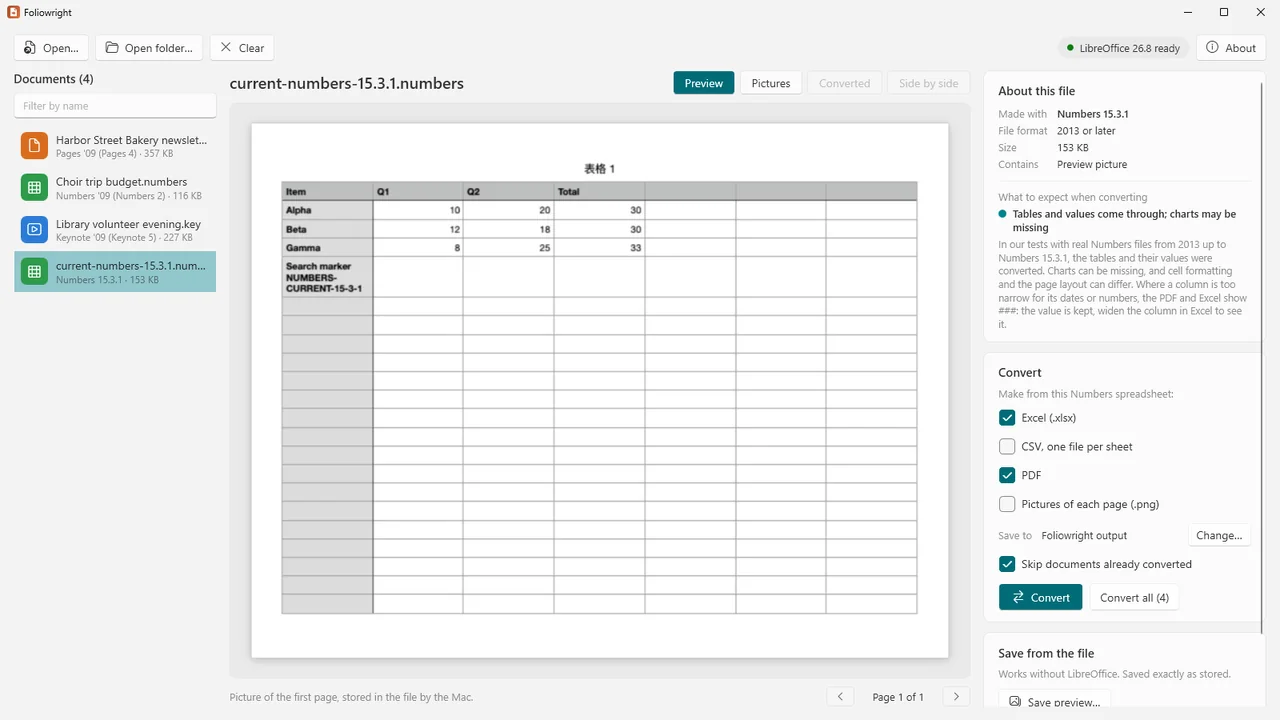
- Numbers: tables and their values came through. Charts can be missing and cell formatting can differ. Where a column is too narrow for its dates or numbers, the PDF and Excel show ###; the value is kept, so widen the column in Excel to see it.
- Keynote: slide text, tables and pictures came through. Positions, fonts and theme backgrounds can differ, and charts and animations can be missing.
- Documents protected with a password cannot be opened or converted; Foliowright recognises them and says so.
- The app version is read from a build string written by a Mac or iPhone. A document saved elsewhere shows "2013 or later" with the year of its template.
- Always compare the result with the stored preview.
Privacy
Foliowright works entirely on your PC. It makes no network connections, collects no data, has no account and no telemetry. Your documents are only read; converted files are saved where you choose.
To convert, it starts LibreOffice installed on your PC, with its own temporary settings folder. Links to the LibreOffice download page and to our support address open only when you click them.
Guides
FAQ
Do I need LibreOffice?
Only for converting. The stored preview, saving it and saving the pictures, films and sounds in a document need no other software. LibreOffice is free and installed separately from libreoffice.org; Foliowright finds it and runs it in the background.
Will the Word, Excel or PowerPoint copy look exactly like the original?
Not always. Text, tables and pictures came through in our tests, but layout, fonts and spacing can change, and charts can be missing. That is why Foliowright shows the stored preview and the result side by side.
Can it open password-protected documents?
No. Foliowright recognises them and says so, but cannot open or convert them.
Can I convert many documents at once?
Yes. Open a folder, sub-folders included, and convert everything in one go. The folder structure is kept, finished documents are skipped and a CSV report lists every file.
Is anything uploaded?
No. Foliowright makes no network connections. Your documents are only read, and the converted files are saved where you choose.
Related tools
PUB Lifeboat
Convert whole folders of Publisher (.pub) files to PDF and PNG on your own Windows PC, without Publisher. First 10 files free. Pro adds SVG and ODG.
Formwright
Open archived InfoPath forms (.xml) through their templates (.xsn) without InfoPath or SharePoint, and convert whole folders to PDF, Word and Excel. Offline.
More from Karelia Labs
Updated