
Karelia Print Finishes: preview foil, spot UV and embossing from your PDF in Blender
Packaging and print designers want to see foil and spot UV before the job goes to press. Karelia Print Finishes reads the named spot plates and the four CMYK separations from one PDF page and brings them into a registered Blender preview.
Beta 0.3.0, tested on Windows with Blender 4.5.14 LTS and Ghostscript 10.08.0 using synthetic PDFs. Real production PDFs still need validating.
- Version
- 0.3.0 (beta)
- Blender
- 4.5 LTS minimum
- Tested on
- Windows, Blender 4.5.14 LTS, Ghostscript 10.08.0
- Needs
- A separate Ghostscript 10.08.0 or newer installation (not included)
- License
- GPL-3.0-or-later
- Price
- $15
- Get it on
- Blendkit (formerly BlenderKit)
Assign each spot to metal foil, spot UV, emboss or deboss, and create a flat preview card at the right page size with matching UVs and an approximate printed-colour base. For an existing package mesh, a finish copy goes on its original material and your printed base stays.
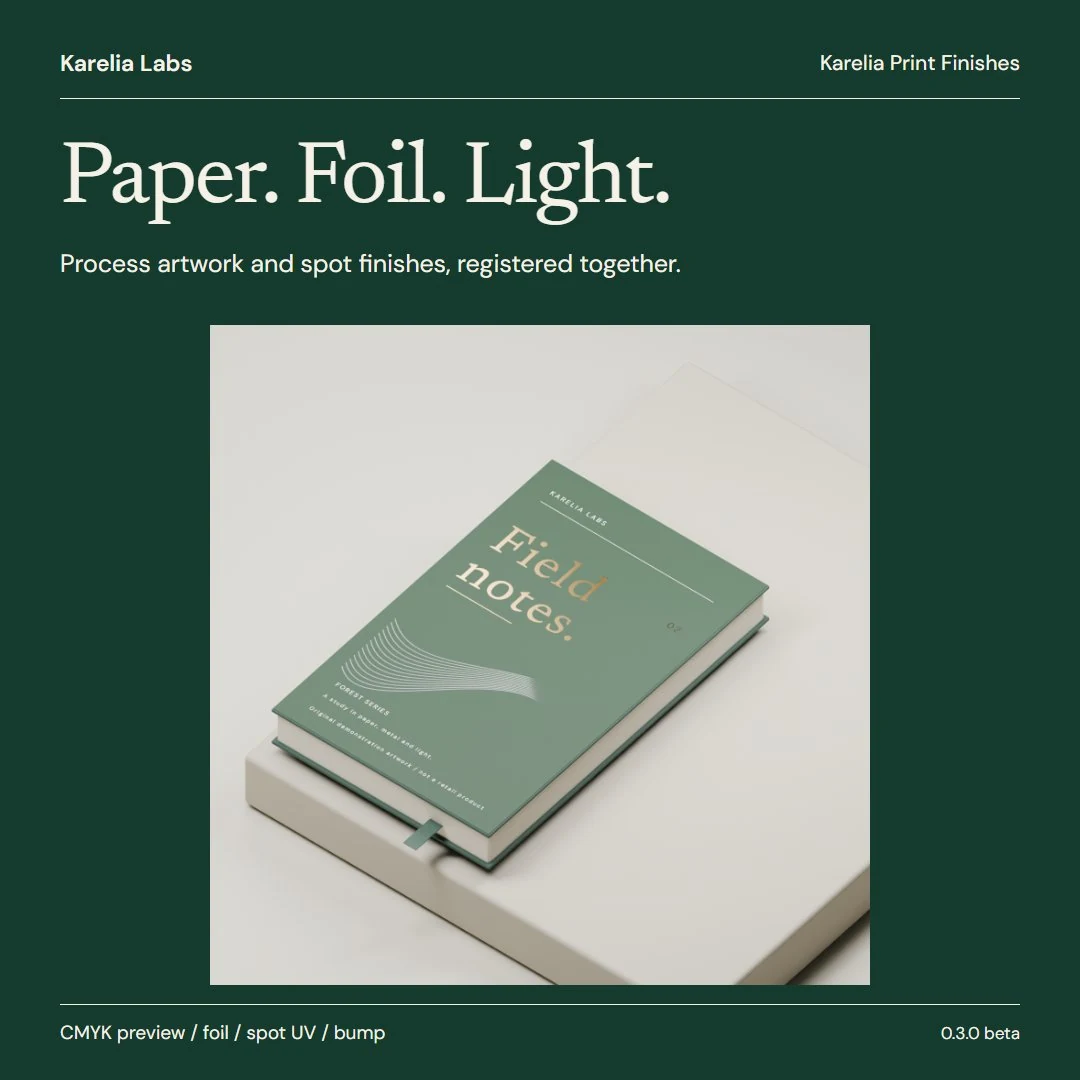
What Karelia Print Finishes does
Real spot plates
Named spot separations and the CMYK process plates come from the PDF page itself, not from a flattened composite that could bake foil colours into the print.
Nothing by guesswork
New spots start unassigned, so cutting guides and ordinary inks never become foil by accident. Plates assigned to the same finish combine by maximum coverage.
Registered preview card
A flat card at the correct page size with matching UVs and, by default, approximate printed artwork from the CMYK plates. Turn the artwork off for plain paper.
Emboss and deboss
Shown with bump shading, without changing the mesh.
Revised PDFs
Refresh a new PDF version and keep finish mappings with exact names. Artwork and finish masks update together, missing spots are marked and their coverage is turned off.
Guided sidebar
Choose PDF, assign finishes, preview in 3D. Find Ghostscript checks your existing installation.
Local, PDF untouched
Extraction runs on your computer through Ghostscript. The original PDF is never edited, and no AI model, API key or online service is involved.
Pricing
Sold on Blendkit.
Good to know
- The colour base is an approximate CMYK material preview, not an ICC-calibrated press proof or a Pantone reproduction. Ordinary named spot inks are left out, and knocked-out artwork is not rebuilt.
- Emboss and deboss are bump previews, not geometric embossing or production tooling. There is no automatic finish detection from flat RGB artwork and no dieline folding.
- One page per extraction at 36–600 DPI, with at most 60 named spots plus the four CMYK plates. Password-protected PDFs fail clearly.
- For an existing package mesh, the UVs must already match the full page.
- Ghostscript is a separate install under its own AGPL or commercial licence. The extension doesn't download any software.
FAQ
Do I need Ghostscript?
Yes, version 10.08.0 or newer, installed separately under its own licence. It isn't bundled or downloaded by the add-on; Find Ghostscript checks the usual locations.
Is it a press proof?
No. The printed colours are an approximate CMYK preview, not an ICC-calibrated proof.
Can I use it on my own packaging model?
Yes, if the model's UVs already match the full PDF page. The finish goes on a copy of its original material, and your printed base is kept.
Is it affiliated with Blender or Blendkit?
No. It is an independent add-on by Karelia Labs, sold on Blendkit.
Related tools
Karelia Revision
Blender add-on that previews what changed in a revised FBX or OBJ, keeps your materials and modifiers and can restore the last revision. Beta, Blender 4.5 LTS.
Karelia Asset Release Check
Blender add-on that tests an asset package before release: missing or out-of-package dependencies, asset metadata and clean appends in fresh Blender processes.
Updated 2026-10-23