
Karelia Render Delivery Check: find missing, broken and wrong-size frames before you deliver
The render finished, but did every expected file arrive intact? Karelia Render Delivery Check captures a delivery contract from your Blender scene, meaning the frames, paths, format and dimensions it was meant to produce, and checks the PNG or flat OpenEXR files on disk against it.
Version 0.1.1, tested on Windows with Blender 4.5.14 LTS and 5.2 LTS.
- Version
- 0.1.1
- Blender
- 4.5 LTS to 5.2 LTS
- Tested on
- Windows, Blender 4.5.14 LTS and 5.2 LTS, real Cycles and compositor output
- Formats
- PNG and flat single-part scanline OpenEXR sequences
- License
- GPL-3.0-or-later
- Price
- $24
- Get it on
- Blendkit (formerly BlenderKit)
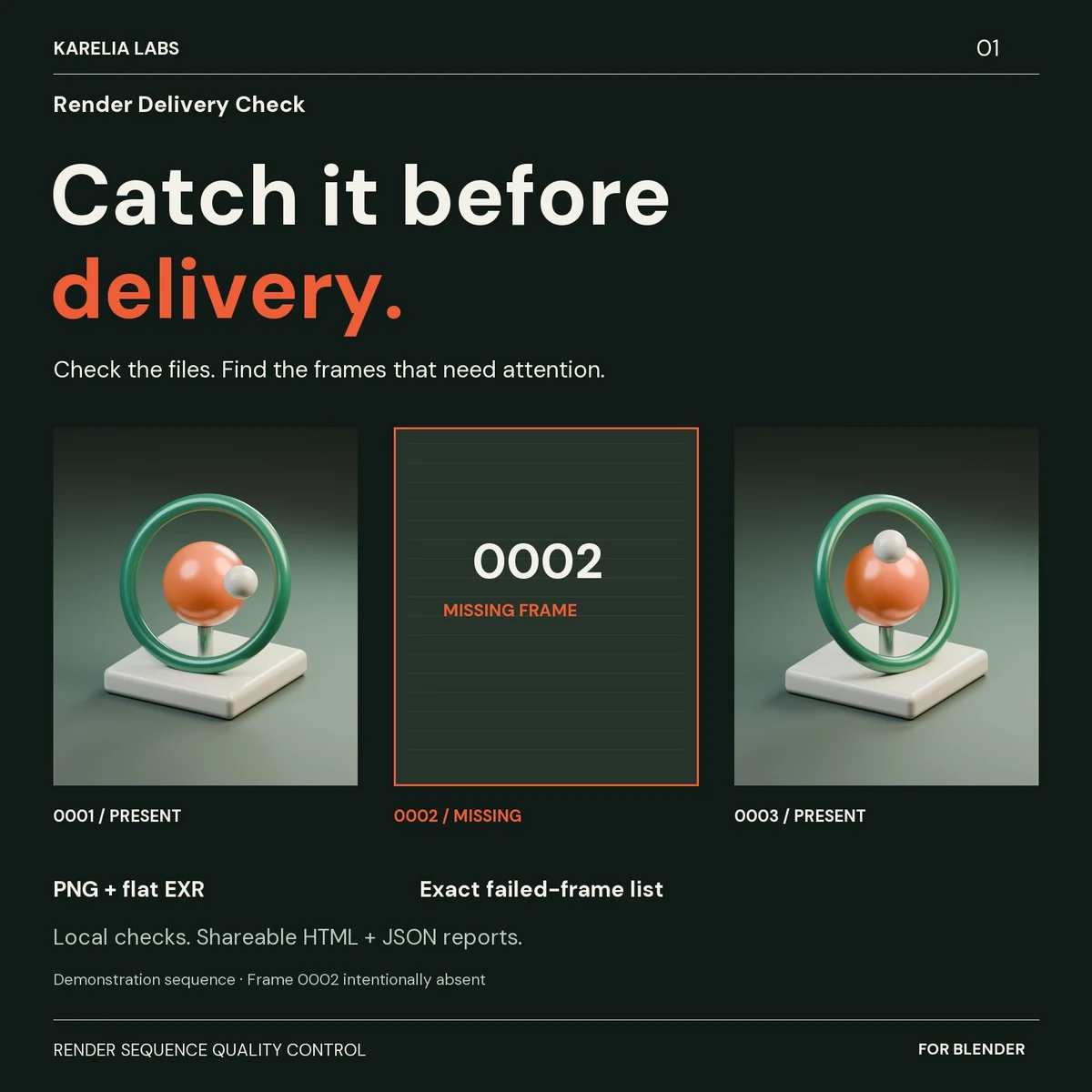
You get a local HTML report with file-by-file evidence and the exact frame numbers that failed, so you know what to fix or rerender before the delivery goes to an editor, compositor or client. Your renders are never changed.
What Karelia Render Delivery Check does
An explicit delivery contract
Capture Expected Outputs freezes the frame range, step, paths, format and dimensions of the main render and of connected root-level compositor File Output slots. It does not start a render or change your settings.
Missing and unreadable frames
Every expected frame is checked at its captured path. PNG chunk checksums and complete EXR scanline data are verified, and each image is decoded with Blender's own reader.
Wrong sizes and bad pixels
Actual dimensions are compared with the contract, and decoded pixels are checked for NaN and infinity values. Expected sizes can be set per output for compositor branches that scale or crop.
Warnings to review, not guesses
All-black frames and byte-identical files are flagged as warnings, because a black frame or a hold can be intentional.
Exact failed-frame list
Copy Failed Frame Numbers gives a comma-separated list of the frames with failed checks, ready for a rerender. Warnings are kept out of it.
Reports you can hand over
Each check writes a new folder with a self-contained report.html, report.json, contract.json and failed-frames.txt. Existing reports and renders are never overwritten.
Local, no account
No account, subscription, external Python package or network connection. The extension source is GPL-3.0-or-later.
How it works
- Capture. Set up the scene's output as usual, choose Main render, Compositor File Outputs or both, and click Capture Expected Outputs.
- Render. Finish rendering or copying the files. The contract is saved with the .blend.
- Check. Choose a report folder, click Check Render Delivery, then open the report or copy the failed frame numbers.
Pricing
One-time purchase on Blendkit.
Good to know
- PNG: non-interlaced 8- or 16-bit grayscale, grayscale with alpha, RGB and RGBA. Palette and interlaced PNG are outside the verified scope.
- OpenEXR: flat, single-part scanline files with RGB, RGBA or Y channels. Deep, tiled, multipart, multilayer, Cryptomatte and custom-channel EXR are rejected clearly and never get an all-clear.
- Capture covers the main animation output and connected root-level compositor File Output slots. Multiview or stereo output and File Outputs nested inside node groups are not supported.
- It does not judge view-layer passes, temporal continuity, colour or artistic content. A passed check means the files are complete and readable, not that it is the right shot.
- Contract paths are absolute, and render-farm or cross-platform path remapping is not included. macOS and Linux have not been tested separately.
- Full-image decoding needs memory in proportion to image size: a 32-megapixel frame can need over 1 GiB of free memory.
FAQ
Does it render or rerender anything?
No. It only reads the files that are already on disk. It never renders, repairs, deletes, uploads or overwrites your renders.
Which file formats does it check?
PNG sequences and flat single-part scanline OpenEXR sequences, which covers Blender's regular PNG and EXR output. Multilayer, deep, tiled and multipart EXR are rejected with a clear message.
What if a compositor branch scales or crops the image?
Select that output in the list and set its expected width and height before you check. The default expectation is the scene's render resolution, including resolution percentage and crop-to-border.
Are black frames always errors?
No. All-black frames and byte-identical files are review warnings, because a black frame or a hold can be intentional. Only failed checks go into the failed-frame list.
Which Blender versions does it support?
Blender 4.5 LTS to 5.2 LTS. It is tested on Windows with Blender 4.5.14 LTS and 5.2 LTS; macOS, Linux and intermediate releases have not been tested separately.
Does it need an account or an internet connection?
No. Everything runs locally, and the reports contain no analytics or external resources.
Is it affiliated with Blender or Blendkit?
No. It is an independent add-on by Karelia Labs, sold on Blendkit. The names describe compatibility and where to buy it.
Related tools
Karelia Asset Release Check
Blender add-on that tests an asset package before release: missing or out-of-package dependencies, asset metadata and clean appends in fresh Blender processes.
Karelia Rig Update Rehearsal
Blender add-on that rehearses a linked rig update on copies of your shots and compares bones, actions, NLA, drivers and sampled animation in local reports.
More from Karelia Labs
Updated