
How to show an RSS feed or your YouTube channel on a Wix site
Updated
The problem
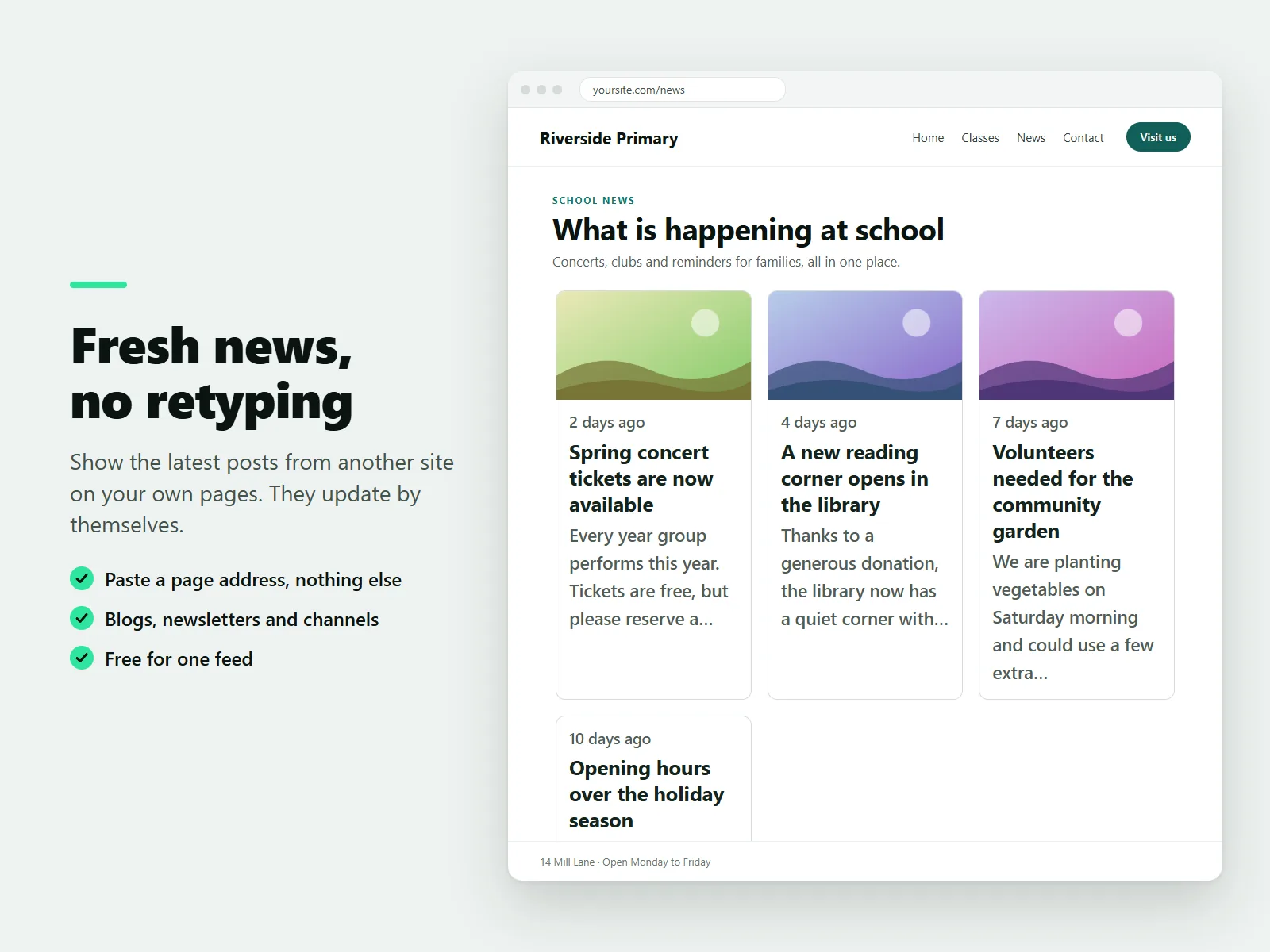
If you publish in one place, retyping or re-embedding every post on your own website is a chore. An RSS feed is the machine-readable version of a blog, newsletter or channel, and a widget can show it for you.
Show a feed on a page
- Add Karelia RSS Feed from the Wix App Market.
- In the editor, choose Add, then Apps and place RSS Feed on a page.
- In the settings, paste the address of a blog, newsletter, news page or video channel. You do not need the feed address itself: the app looks for the feed behind a normal page address.
- Check the address with the feed tester in the dashboard before you publish.
- Choose a layout (list, cards, headlines or a featured first post), colors and which details to show, then publish.
Your YouTube channel
Paste the address of a video channel and use the video grid layout, which is part of the Pro plan. The grid shows the channel's latest uploads. A video loads only when a visitor clicks play, using the privacy-friendly player, and no API key is needed.

Several sources in one list
On the Pro plan you can merge up to 10 feeds by date, with a source label on each post, keyword filters to include or hide posts, up to 50 posts and a Load more button. Posts are refreshed about every 15 minutes.
The Free plan shows one feed with up to 10 posts in every layout except the video grid.
FAQ
Do I need an API key?
No. No API key or account is needed.
How often does it update?
Posts are refreshed about every 15 minutes.
More guides
How to add a PDF menu, brochure or flipbook to a Wix site
Add Karelia PDF from the Wix App Market, choose the PDF, pick a reader theme and colours, and decide whether visitors may download or print it. Pro adds the page-turn flipbook.
Read the guide →How to show a Google Sheet or Excel file as a searchable table on Wix
Add SheetTable, import an Excel or CSV file or a public Google Sheet, tidy the rows, choose a theme and a phone layout, and publish a table visitors can search and sort.
Read the guide →How to add site search to a Wix Harmony site
Wix Harmony does not include Wix Search. Install Karelia Site Search, publish the site, open the app once to build the index, and visitors get a search button on every page; add the Site Search Bar to the header if you want a search field there.
Read the guide →