Datum: a furniture shop theme for Odoo that reads like a floor plan
Datum is a website and eCommerce theme for Odoo 19 and Odoo 20 Community, made for furniture stores, interior studios that sell pieces, and home goods brands. It draws the whole shop in one language: floor plans with keyed pieces, measurements, material samples and the title block of an architect's drawing.
On Odoo Apps since 2026-11-23, for Odoo 19.0 and 20.0.
- Odoo versions
- 19.0 and 20.0, Community
- Depends on
- Website and eCommerce (website_sale)
- Tested
- Odoo 19.0 and 20.0 Community on a server: install with and without demo data, configurator, switching theme and back, uninstall, and 7 shop pages at 1440 and 390 px
- Licence
- OPL-1, one-time purchase per Odoo version
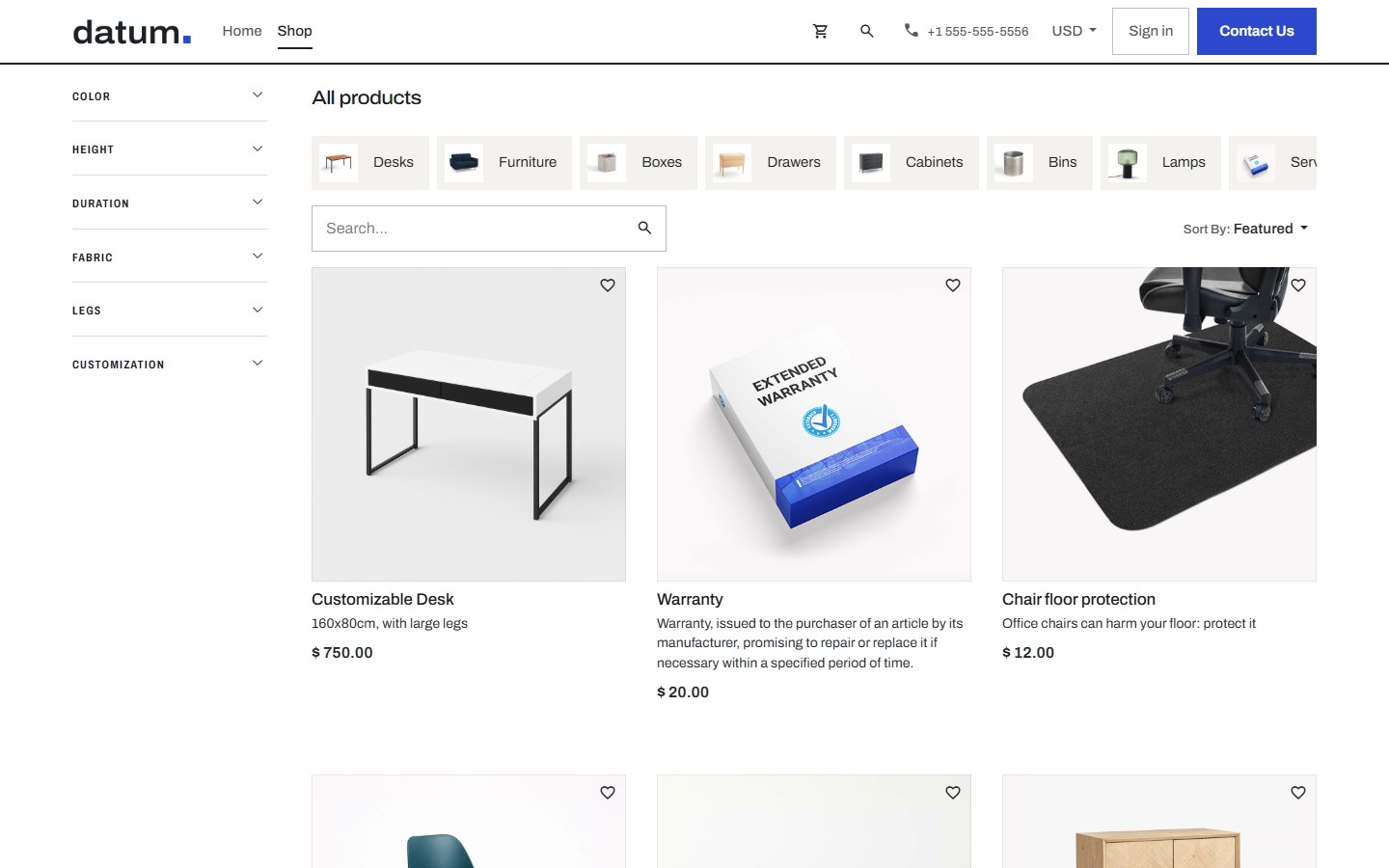
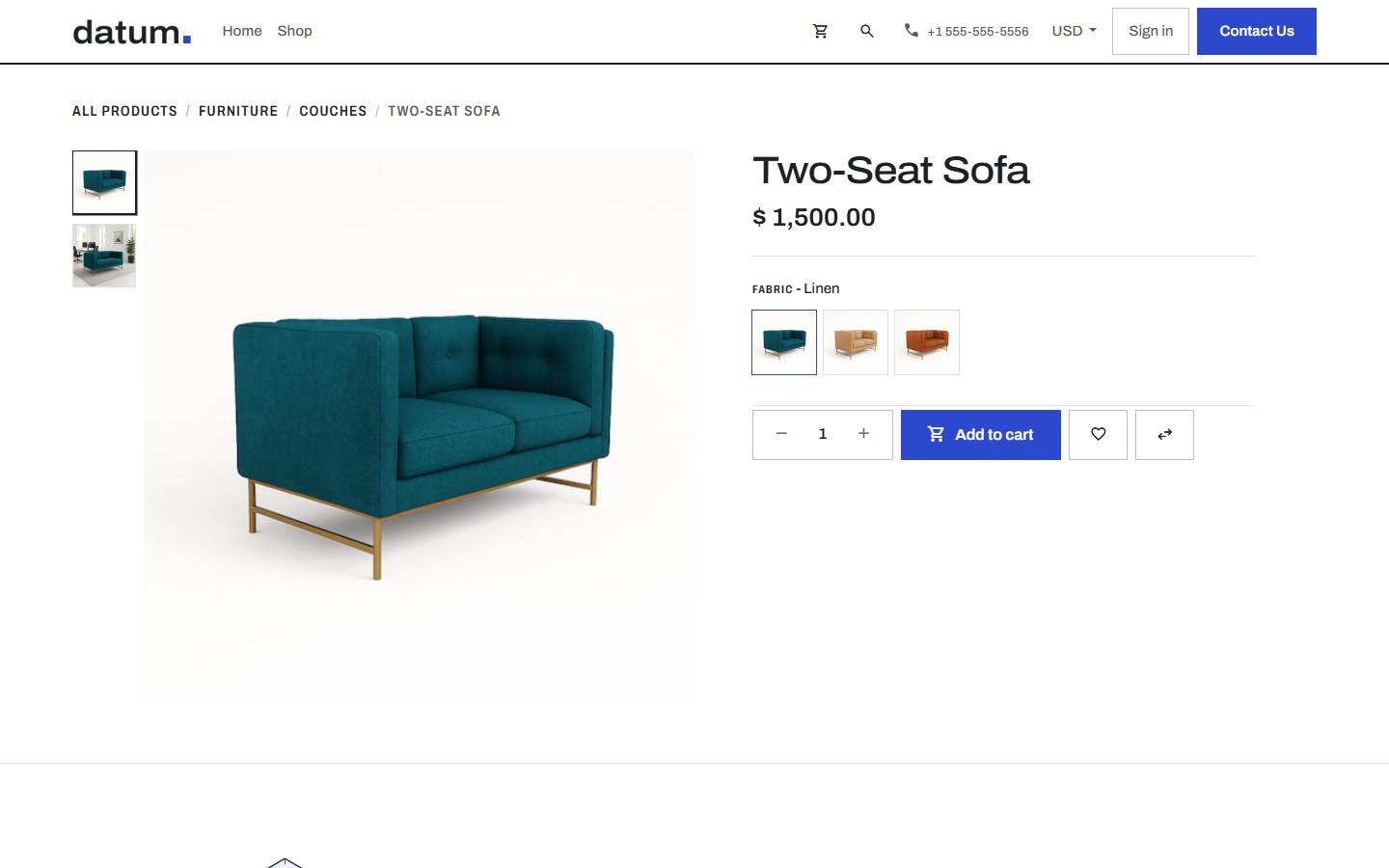
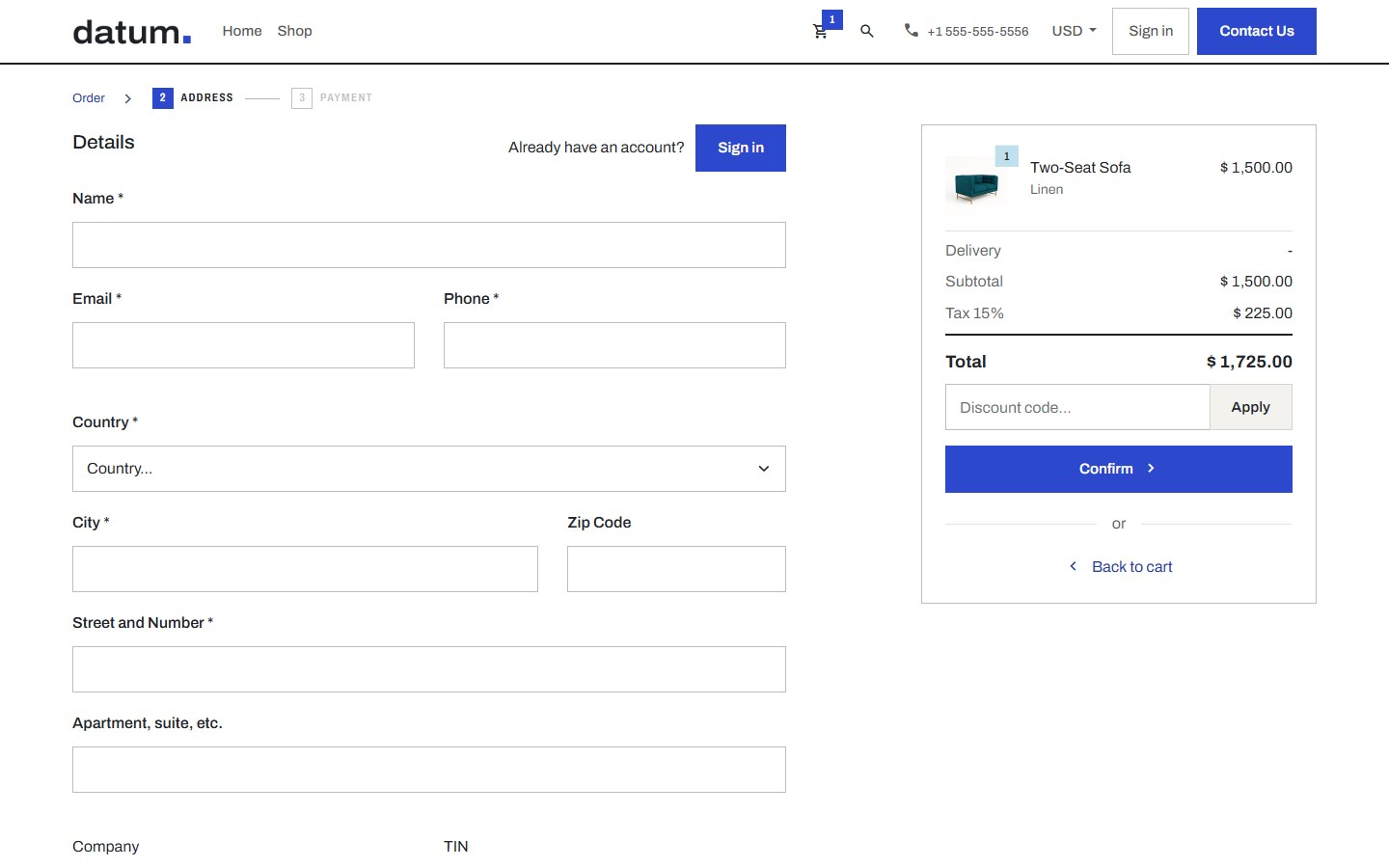
The shop is where the work went. Not only the home page: the category page, the filters, the product cards with the room photo on hover, the product page with fabric swatches, the cart and every checkout step are restyled, and Odoo's own shop layout options keep working.
What Datum Furniture eCommerce Theme does
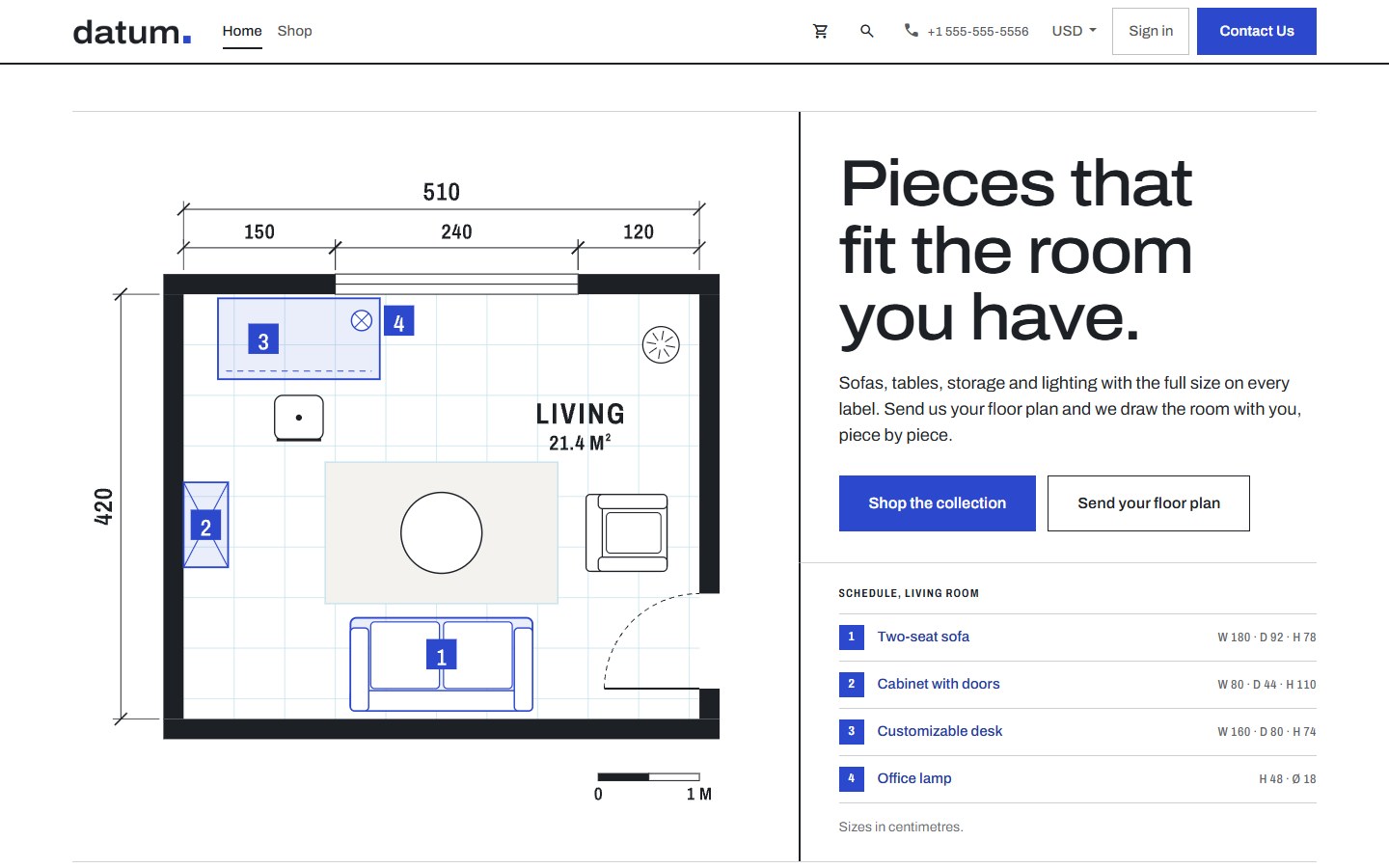
A floor-plan home page
Choose Datum in the website configurator and the home page is assembled from its blocks: a floor plan with numbered pieces and a schedule that lists them.
The whole shop restyled
Category page, filters, product cards with the room photo on hover, product page with fabric swatches, cart and every checkout step.
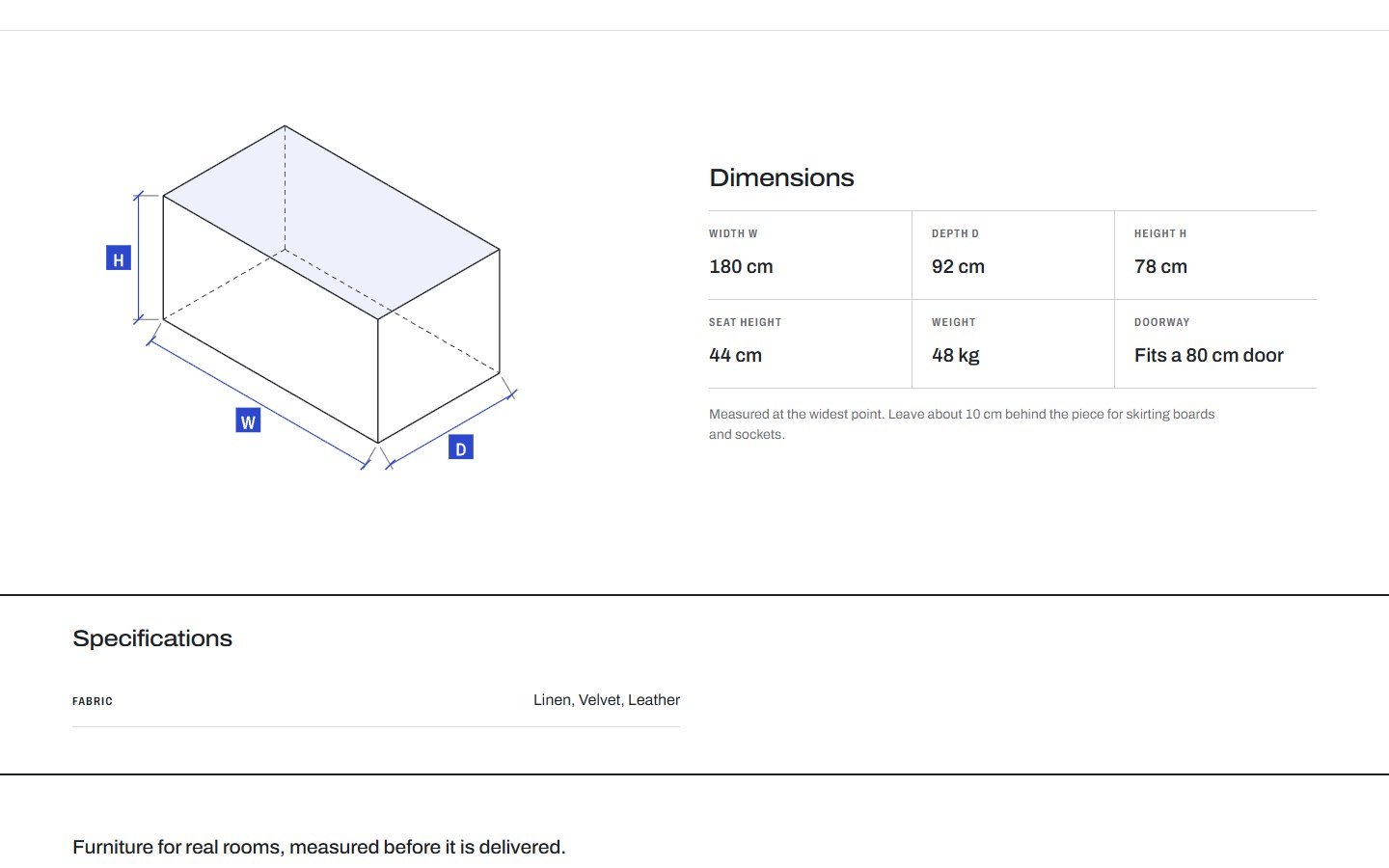
A Dimensions block
Put a measured drawing and the sizes of each piece on its product page. The sizes are typed into the block; no new product fields.
Five palettes
The floor plans are SVG and follow the palette you pick. Every text, photo, colour and drawing can be changed in the website builder.
No request to Google Fonts
The Archivo font is served from your own site, so the default fonts make no request to Google.
How it works
- Buy and install. Get the theme for your Odoo version on Odoo Apps and install it like any other theme module on your Odoo server.
- Choose it. In Website, start the configurator or open the theme chooser and pick Datum Furniture eCommerce.
- Make it yours. Change the texts, photos and palette in the website builder, and add the Dimensions block to your product pages.
Screenshots
Pricing
One-time purchase per Odoo version, on Odoo Apps.
Good to know
- Datum adds no shop features and no new product fields: sizes are typed into the Dimensions block.
- Tested on Odoo 19.0 and 20.0 Community installed on a server. Odoo Online does not accept third-party modules; Enterprise and Odoo.sh were not tested.
FAQ
Does it work on Odoo Online?
No. Odoo Online does not accept third-party modules. Datum needs Odoo 19 or 20 installed on your own server or with a host that lets you add modules.
Does it add product fields?
No. The Dimensions block is a website block: you type the sizes into it on each product page.
Can I change the colours and texts?
Yes. Pick one of five palettes, and change every text, photo, colour and drawing in the website builder. The floor plans follow the palette.
Does it load fonts from Google?
No. The Archivo font is served from your own site.
Related tools
Koivu Backend Theme
Koivu is a backend theme for Odoo 17, 18, 19 and 20 Community: a home menu that finds any app or menu, dark mode, six colourways, compact view. EUR 89.
Pricelist by Product Tag
Odoo pricelist rules by product tag: one discount or fixed price for every tagged product in quotations, eCommerce and the Point of Sale. Odoo 16 to 20.
Indexed Surcharges
Index-linked surcharges on Odoo sales quotations: diesel, energy or steel indexes with dated values, rules by product, category and customer, floor and cap.
More from Karelia Labs
Updated